

PicPick 3.0.9
PicPick is a full-featured image editing and graphic design program
Program info
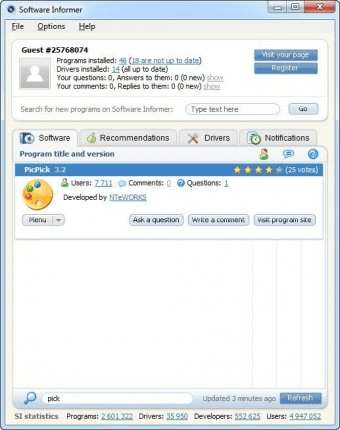
PicPick is a full-featured image editing and graphic design program with many tools for editing, resizing, capturing screen shots, and more.
The Screen Capture tool has many useful options. You can choose the default file format for the image (PNG, BMP, JPG, GIF), and the action to take when printing the screen. You can choose to open the captured image with the Image Editor, save it directly to a file, send it to the clipboard or to an MS Office application, e-mail it, or upload it to your Facebook or Twitter account, to an FTP server, or to an image hosting service.
The Image Editor is very easy to use. Its menus resemble those found in MS Office applications with the image editing menu active. You have five groups of features for edition: Clipboard, View, Image, Tool, and Colors. With them you can resize, add effects and shapes, paint, zoom, and more.
It packs some other useful tools: A color picker to select any color of the screen, a palette to pick a color from it or to enter the RGB or hue and saturation values, a magnifier, a protractor, a crosshair and a whiteboard to paint directly in your screen.
As a screen capture program it is perfect with its tools and features. As a matter of fact, it has become my favorite for these tasks. As an image editor, it is also a good choice for basic image manipulation. Of course, it doesn't have the features of some graphic design suits, but it has a great functionality compared to other similar programs.
PicPick is provided as a freeware program for personal use, but you can buy a license for commercial use.
Pros
- Freeware
- Clean installation
- Automatically opens image editor when screen shot is taken
- Runs in the background
Cons
- Cannot take screenshots of its own windows
Details
Extensions

No information available
The data will be available later.Old versions

No information available
The data will be available later.Awards

Related software

Change the original format and resolution of batches of photographs.

Resize, convert, flip, mirror, and rotate multiple pictures.

This is a program to create self-executing slideshows or GIF animations.
Related stories
See all
Capturing images from your screen isn't a complicated process so you shouldn't have to pay for it. Here are some tools that will help you out.

Another instalment of "AI-based services for all" gives you tools that simplify renovation and interior design projects.
Feels like migration to Windows 11 in imminent; here are some tools that allow debloating and optimizing it before installation.


Comments
And you shouldn't either.
The tool is created by a company with no respect for the users.
I you can't afford a free version, than don't provide one with nasty malware aboard.